 Shopkeeper SEO
A marketing plan for a small Shopify store fits on one page: two or three goals for the year, who you sell to, the few channels you'll actually keep up, a month by month calendar of sales moments and a 30 minute check of your numbers each month. Plan seasonal content several weeks ahead (many marketers suggest six to eight weeks), so Google has time to find your posts and shoppers can see them while they research.

Most marketing plan templates are written for companies with marketing teams. This one is for a shop run by one to ten people, and it fits on one page you'll actually reread. If you're reading this in November or December, you're early enough to get Valentine's Day content live in time.
What should a marketing plan for a small shop include?
For a small shop, a marketing plan comes down to seven steps. Each one gets a line or two on your page:
- Last year's numbers: what sold, when and where customers came from.
- Two or three goals, each with a number and a date.
- Your best customer, in three sentences.
- The two or three channels you'll keep up all year.
- A seasonal calendar of the moments that matter to your store.
- A monthly blog rhythm that turns the calendar into articles.
- A 30 minute check of your numbers each month.

You can skip the rest. Executive summaries, mission statements, competitor SWOT grids (strengths, weaknesses, opportunities, threats), multi page buyer personas and team structures exist to get a marketing team or investors on board. You're the team, so they'd only slow you down.
What you'll need
- Access to your Shopify admin.
- Google Search Console connected to your store. It's a free Google tool that shows which Google searches your store appears in and how often people click through.
- A calendar for the year ahead.
- One page: a doc, a spreadsheet or paper.
- An afternoon.
The whole plan stays on one page. If it starts spilling onto a second, cut something.
Step 1: Look back at last year in your Shopify admin
Start with what already happened. In your Shopify admin, open Analytics, then Reports. If your layout looks different, check Shopify's Help Center for where reports are now.
Look at four things:
- Sales by month, so you can see your busy and quiet months.
- Your best selling products.
- Where visitors came from. Look for a report showing sessions by referrer, which lists the sites and searches that sent people to you (a session is one continuous period of browsing on your store by a visitor).
- How many orders came from returning customers, meaning people who'd bought before.
Next, open the Performance report in Google Search Console. Note the searches (Google calls them queries) that brought clicks, and the pages that got those clicks.
Now write three lines at the top of your plan: what sold, when, and where your customers came from. If your store is new and the data is thin, use what you have plus what customers have told you. That's fine. This is a starting point, not a test.
Step 2: Set two or three marketing goals you can measure
A good goal is SMART, which stands for specific, measurable, achievable, relevant and time bound. In practice, that means it has a number and a date.
Here are a few examples. Swap in your own figures:
- Grow the email list from [your number] to [your target] by 30 June.
- Get [x] orders a month from Google searches by September.
- Sell through the spring range by [date], before the summer launch.
Stop at three. Any more and none of them gets proper attention.
One honest tip: set goals on things you can measure and influence, such as clicks from Google and orders. "Rank number one for X" isn't a goal you control, because nobody does. Every goal on your plan should be something you can check in the Step 1 reports.
Step 3: Describe your best customer in three sentences
Swap the corporate buyer persona for three sentences:
- Who your best customer is.
- What problem or occasion they buy for.
- Where they look before buying: Google, Instagram, or asking ChatGPT, Perplexity or Gemini for a recommendation.
Build those sentences from recent orders, reviews and customer emails rather than guesswork. Real customers tell you more than any template.
Tip: copy the exact words customers use. If people keep writing "a gift for someone who has everything", that phrase becomes a blog topic in Step 6 and wording for your product descriptions.
Step 4: Choose the marketing channels you'll keep up all year
Lists of digital marketing strategies offer dozens of channels. A small shop does better keeping two or three going all year than starting six and dropping them by March.
Use a simple rule:
- One channel for people who already know you, usually email.
- One channel for being found by new people. That's either your blog and Google search, which can also help you show up in AI answers such as Google's AI Overviews, or one social platform.
- Paid ads only if you want to test something fast.
In the table below, SEO (search engine optimisation) means making your pages easy for Google to find and show.
| Channel | Best for | Effort | How fast it works |
|---|---|---|---|
| Email newsletter | Repeat sales, launches, offers | Low to medium | Quick, from the day you send |
| Blog and SEO | Being found on Google and in AI answers | Medium, steady | Slow, usually takes several months to a year to build, and can keep bringing traffic long after you publish |
| One social platform | Showing products, building a following | Medium to high, needs regular posting | Steady while you keep posting |
| Paid ads | Testing a product or offer | Money plus time | Fast, stops when you stop paying |
Write your two or three channels on the plan and cross off the rest for this year. You can always look at them again next January.
Step 5: Map your year on a seasonal marketing calendar
Here's a quick reference for the main sales moments and when your content should be live.
| Moment | When | Publish content by |
|---|---|---|
| January sales and new year | January | Mid November |
| Valentine's Day | 14 February | Late December |
| Mother's Day (US) | Second Sunday in May | Mid March |
| Father's Day (US) | Third Sunday in June | Mid April |
| Back to school | August | June |
| Black Friday and Christmas | Late November and December | September to early October |
| Your own launches, restocks and store birthday | Your dates | 6 to 8 weeks before |
Keep only the moments that fit your products, and add your own, such as a seasonal range or a local event your customers care about.
The rule of thumb is simple. Blog posts need time to be found and shown by Google, and shoppers research before they buy, so treat 6 to 8 weeks as the minimum lead time. Emails and social posts can go out closer to the day.
Tip: update last year's seasonal post on the same page rather than writing a new one each year. That way the same page keeps building instead of starting from scratch every season.
Step 6: Plan a monthly blog rhythm (your content marketing strategy)
A content marketing strategy sounds grand. For a small shop, it means publishing helpful articles that answer what your customers search for, so your store can be found on Google and in AI answers.
A four week rhythm turns your calendar into articles:
- Week 1: a seasonal article for the moment 6 to 8 weeks out on your calendar.
- Week 2: a buying guide or comparison for one product category.
- Week 3: a how to or care guide answering a question customers ask.
- Week 4: an evergreen question (one people ask all year round), pulled from your Search Console queries or customer emails.
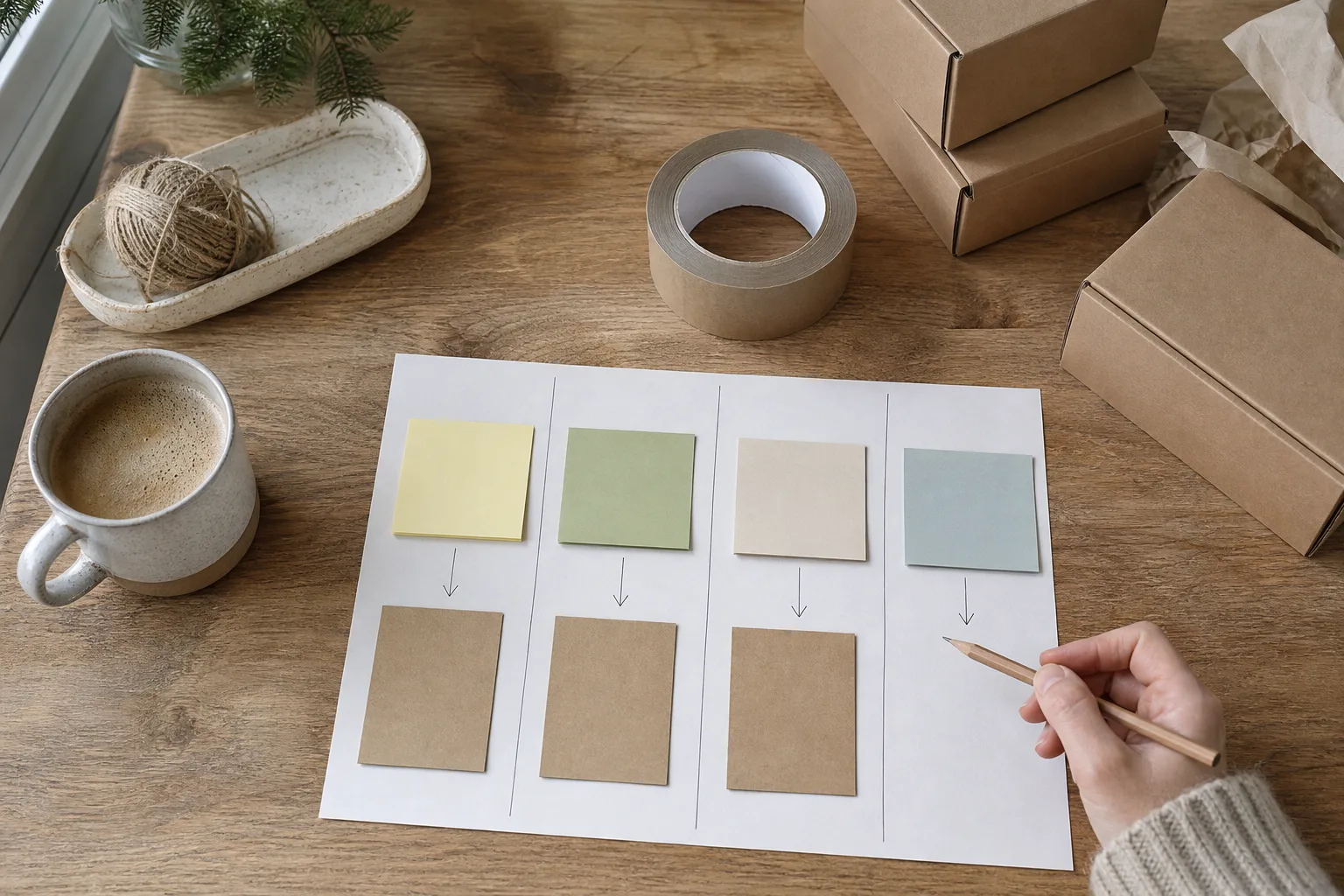
Each article should link to the products or collections it mentions. You'll find your blog posts in your Shopify admin: type "Blog posts" into the admin search bar.
Four good articles beat thirty thin ones. If four a month is too many to write yourself, two a month kept up all year beats four for one month and then nothing.
You have three options for keeping it going: write the articles yourself, hire a freelancer, or let an app do it. Shopkeeper SEO, our app, researches and writes 4 fact checked articles a month in your voice and publishes them on your own domain, so the blog side is set and forget. It isn't made by or affiliated with Shopify, and it's launching soon with a waitlist.
Step 7: Book a 30 minute marketing check each month
Put a recurring 30 minute slot in your calendar, for example the first Monday of each month. Split it into three ten minute parts:
- Compare sales against your goals and against last month.
- Open Search Console and look at clicks, your top searches and which articles are starting to get impressions (the number of times a page was shown in Google results). Our guide on how to check where your store ranks on Google walks you through this part.
- Look two months ahead on your calendar and decide one thing to change, start or stop.
Write that one decision on your plan. Then leave it alone until next month.
Judge blog posts over months, not weeks. A new article with a handful of impressions and no clicks yet is simply early, not a failure.
Your January marketing plan checklist, week by week
- Week 1: Finish your one page plan and put the monthly check in your calendar.
- Week 2: Tidy your store after the holidays. End expired discount codes and banners, and update your homepage. Take Christmas collections out of the main menu, but keep the pages live if they get Google traffic so you can reuse them next year. A page that ranks has built up value you lose when it disappears. If you do delete one, set up a URL redirect (an automatic forward from the old address to a related collection). In your Shopify admin, go to Content, then Menus, then click "URL redirects" and "Create URL redirect".
- Week 3: Email your holiday customers, especially first time buyers, with a thank you and a look at what's coming in spring.
- Week 4: Check your Valentine's Day content is live. If it isn't, publish it anyway and lean on email this year. Then publish your first article for Mother's Day or your spring launch.
If you'd like the blog side of your plan on autopilot, you can join the Shopkeeper SEO waitlist at shopkeeperseo.com. When you're ready for the next piece, you'll find more plain English guides on our blog.
Marketing plan FAQs
What is the difference between a marketing plan and a marketing strategy?
A marketing strategy is your set of big, slow changing choices: who you sell to, why they buy from you and roughly how you reach them. A marketing plan is what you'll actually do this year, with goals, channels and dates, checked every month. For a small shop, the strategy can be two sentences at the top of your one page plan, with the plan underneath.
What is the 3-3-3 rule in marketing?
There's no single official version of the 3-3-3 rule, and marketers use the name for different things. For a small shop, we'd use it like this: set three goals at most, keep up three channels at most, and pick the three seasonal moments that matter most to your store this year. It keeps a one page marketing plan focused enough to follow.
Is there a free marketing plan template for a small business?
Yes, and you don't need special software. A one page doc with seven headings is enough: last year's numbers, goals, best customer, channels, seasonal calendar, blog rhythm and monthly check. Most downloadable templates are built for companies with marketing teams, so if you start from one, delete any section you won't use. A short plan you reread beats a long one you forget.
How much should a small Shopify store spend on marketing?
No single percentage fits every shop, so we won't quote one. Start by counting your own time as a cost, because writing, posting and emailing all take hours. Keep paid tests to an amount you're comfortable losing while you learn. Then use a monthly check of your numbers to move money and time towards whatever is working, and away from what isn't.
How long does SEO take to work for a Shopify store?
SEO builds over months, not days. Google first has to find and index new pages, which means adding them to the list of pages it can show in results. That can take anywhere from a few days to a few weeks, and where a page ends up in results varies with how competitive the search is. Nobody can promise rankings, which is why seasonal posts should go up at least 6 to 8 weeks ahead and be updated each year.